Engineering Drawing Management Software That Keeps Projects on Track
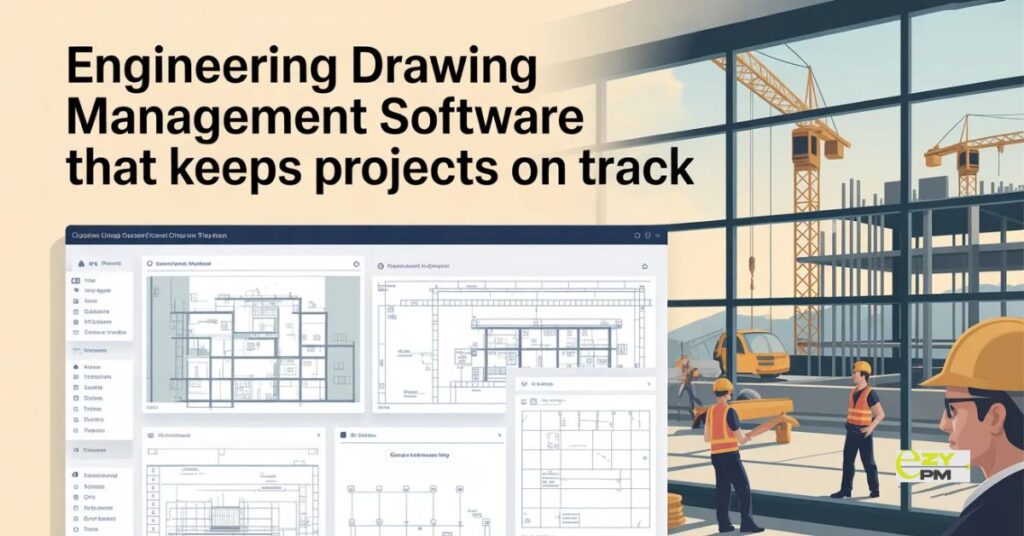
- Engineering projects live and die by their drawings. Every decision on site. Every component fabricated off site. Every inspection carried out. All of it references drawings that need to be current, accessible and unambiguous about which version is the one being worked from.
- When drawing management works well it is invisible. The right drawing is always available. Everyone is working from the same version. Revisions reach the people who need them before work proceeds on outdated information.
- When it does not work well the consequences are specific and expensive. Components fabricated to superseded dimensions. Work completed to a layout that changed two weeks ago. An inspection failing because the installed configuration does not match the current approved drawing.
- Engineering drawing management software is what makes the first scenario the reliable one rather than the optimistic one.
Why Engineering Drawing Management Is Particularly Demanding
- Engineering projects place specific demands on drawing management that general document management systems do not always handle well.
- Drawing sets are large and complex. A significant engineering project generates hundreds or thousands of drawings across multiple disciplines. Structural. Mechanical. Electrical. Civil. Each discipline producing its own drawing set. Each set needing to be coordinated with the others.
- Revision cycles are frequent and consequential. Design development on an engineering project produces multiple rounds of drawing revisions. Each revision needs to reach everyone working from the previous version before work proceeds. Missing a revision notification in an engineering context does not just mean someone has outdated information. It means work gets done to the wrong specification.
- Multi discipline coordination is essential. Drawings from different disciplines need to be read together. A structural drawing that affects a mechanical route. An electrical layout that conflicts with a civil element. These interdependencies make it critical that everyone is working from current information across all disciplines simultaneously.
- External party access is the norm. Engineers. Contractors. Subcontractors. Fabricators. Suppliers. Regulators. All of them need access to drawings at different stages of a project. Managing that access without losing control of the document set requires more than a shared folder.
The Revision Control Problem
- Revision control is where engineering drawing management either holds together or falls apart. And it is where manual approaches most consistently create expensive problems.
- A drawing gets revised. The revision needs to reach every party who has accessed the previous version. In a manual system that means maintaining distribution lists, sending notifications and trusting that nobody continues working from the superseded version they already have.
- In practice revisions get missed. A fabricator works from a drawing that was superseded after their copy was issued. Components arrive on site that do not fit because the revision that changed the specification never reached the fabricator. The cost of rectification is significant and the conversation about responsibility is difficult.
- Engineering drawing management software handles revision control systematically. A new revision supersedes the previous one in the system. Everyone who accesses that drawing from that point gets the current revision automatically. The previous version is archived rather than deleted. The system records who accessed which revision and when.
- That systematic approach removes the human error from revision distribution. Not because people are careless but because the volume and pace of revisions on an active engineering project exceeds what manual distribution reliably handles.
Transmittal Management
- Transmittals are a specific requirement of engineering drawing management that general document management systems rarely handle properly.
- A transmittal is a formal record of drawing issues. What was sent. To whom. When. At what revision status. For what purpose. Whether the recipient has acknowledged receipt.
- Transmittal management is not administrative overhead for its own sake. It is the audit trail that matters when questions arise about what information was available to which party at what point in the project. That audit trail has contractual and legal significance on engineering projects in a way that it does not on simpler construction work.
- Engineering drawing management software that handles transmittals as an integrated part of the drawing issue process produces that audit trail automatically. Without requiring someone to manually maintain a transmittal register alongside the document management system.
Access Control Across Multiple Parties
- Engineering projects involve parties who need different levels of access to the drawing set.
- The design engineer needs to issue drawings and see how they have been accessed and acknowledged. The principal contractor needs visibility across the full current drawing set. A specialist subcontractor needs access to the drawings relevant to their scope without the distraction of the full project set. A regulatory body needs access to specific approved drawings without being able to modify or download the full project documentation.
- Managing these different access requirements manually creates administrative overhead and risk. The wrong party accessing drawings they should not have. The right party unable to access drawings they need. Version confusion when multiple versions of the same drawing are accessible to the same person.
- Good engineering drawing management software handles access control at the drawing and discipline level. Each party sees exactly what they need. Permissions reflect the project structure rather than a simplified all or nothing approach.
The Field and Workshop Reality
- Engineering drawing management that works well in an office environment but fails in the field or on the workshop floor is only partially solving the problem.
- Fabricators need current drawings in their workshops. Site teams need current drawings accessible on phones and tablets in practical working conditions. Inspectors need to reference drawings during inspections without returning to an office to check what is current.
- A system that requires a desktop computer and reliable internet connectivity to access current drawings will not be used consistently by the people who need it most in the locations where they actually work.
- Engineering drawing management software built for field and workshop access as a primary requirement rather than an afterthought handles offline access properly. Drawings available without a signal. Automatic sync when connectivity returns. Mobile interfaces that work in the conditions where engineering work actually happens.
Integration With the Project Programmed
- Drawing management that sits in isolation from the project schedule creates gaps that require manual effort to bridge.
- A drawing revision that affects work currently in progress needs to flag its programme implications. A change in a fabrication drawing affects the lead time for components that feed into the construction schedule. A design change that requires rework creates programme impact that needs to be visible alongside the document change.
- Engineering project management software that integrates drawing management with the project schedule surfaces these connections automatically. A drawing revision appears in the context of the programme activities it affects. The programme and the document set stay aligned rather than drifting apart as the project progresses.
Managing Projects Better With Engineering Drawing Management Software
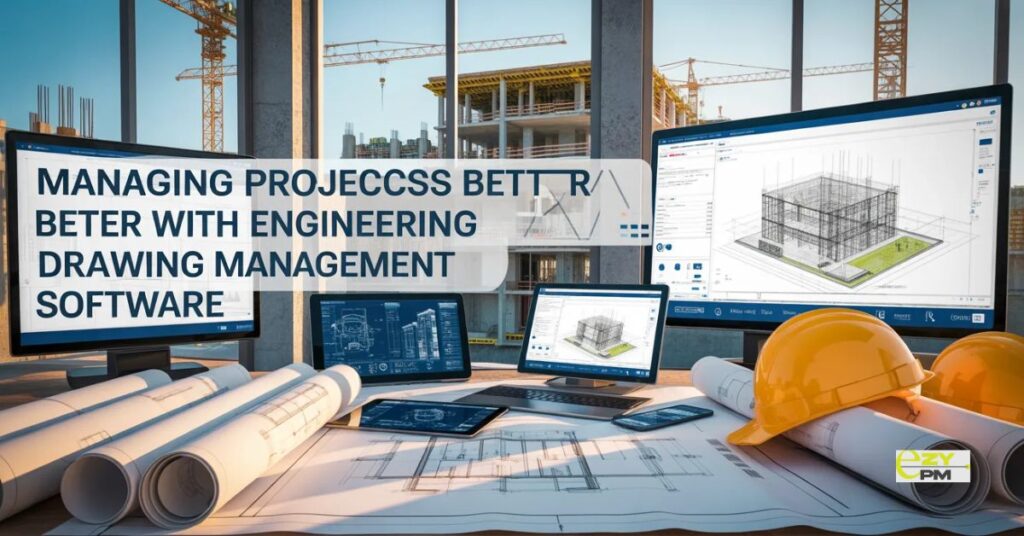
- The engineering projects that run without the costly errors that drawing management failures produce are not the ones where teams are more careful. They are the ones where the system makes working from current drawings the natural default rather than a discipline that depends on individual diligence.
- Engineering drawing management software makes current drawings the easiest thing to access and outdated ones clearly inaccessible. That structural change is what prevents the errors that manual processes only reduce rather than eliminate.
- EZYPMP is a platform that brings drawing management into the broader context of engineering project management. Connecting document control with project scheduling and team coordination so the drawing set and the programme stay aligned throughout the project rather than diverging as revisions accumulate and the project progresses.
Questions Worth Asking
How do we handle drawing management when the design team is using different software from the construction team?
- Many platforms accept drawings in standard formats regardless of what was used to produce them. The management of those drawings within the project team’s system does not depend on the design team using the same platform.
What happens to the drawing archive after project completion?
- Good platforms maintain the full revision history indefinitely. That archive matters long after practical completion as the record of what was built and what information was available during construction and fabrication.
How do we manage drawings across multiple concurrent projects without them getting confused?
- Project level separation with clear access control keeps drawing sets distinct. A platform handling multiple projects from a single interface gives oversight across the portfolio without the drawing sets for different projects interfering with each other.