Top 5 Construction Project Management Software Worth Considering
Picking construction project management software is not a straightforward decision. Every platform claims to do everything. Every review site has a different top five. Every vendor demo looks impressive until the business tries to use it on a real project.
The truth is top 5 construction project management software lists are only useful if they go beyond feature comparisons and talk honestly about what each option is actually good for and where it falls short.
This is that conversation.
What to Understand Before Looking at Options
- The right software depends entirely on the type of construction work being done and the size of the operation running it.
- A residential builder managing multiple home builds needs different things from a commercial contractor running large scale projects with strict penalty clauses. A small contracting business with a handful of crew members has different priorities from a mid size operation with multiple sites running simultaneously.
- Feature lists look similar across most platforms. How those features actually perform in the specific context of a particular business is what separates a good fit from an expensive mistake.
- Keep that in mind when looking at any list. The goal is not to find the best software. It is to find the right one.
Procore
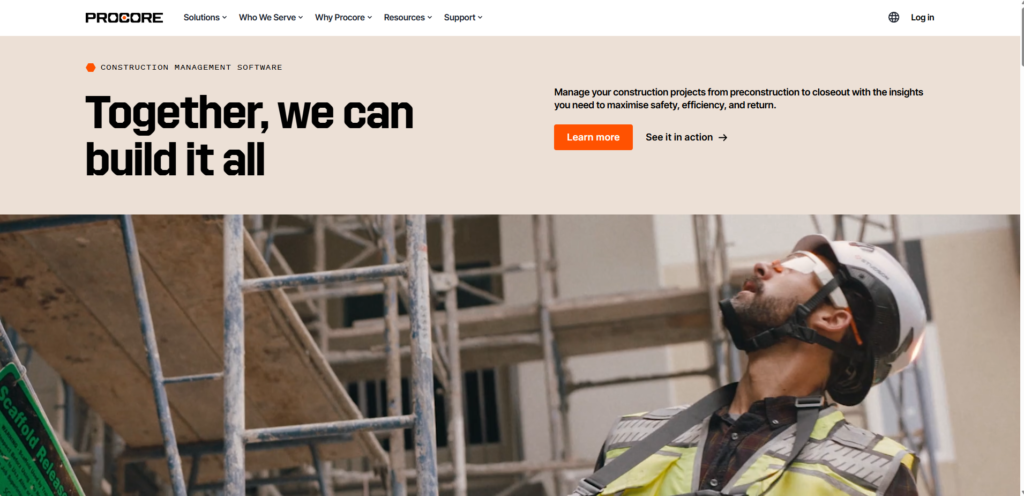
- Procore sits at the enterprise end of the market. Built for large scale construction operations with complex requirements and the resources to match.
- Document management is strong. Drawing management is thorough. The reporting capability gives large operations the kind of visibility they need across multiple projects simultaneously.
- The trade off is complexity and cost. Procore is built for businesses with dedicated project management teams and implementation support. Smaller operations often find it more than they need and the pricing reflects its enterprise positioning.
- Best suited for mid to large construction firms running complex multi site projects.
Buildertrend
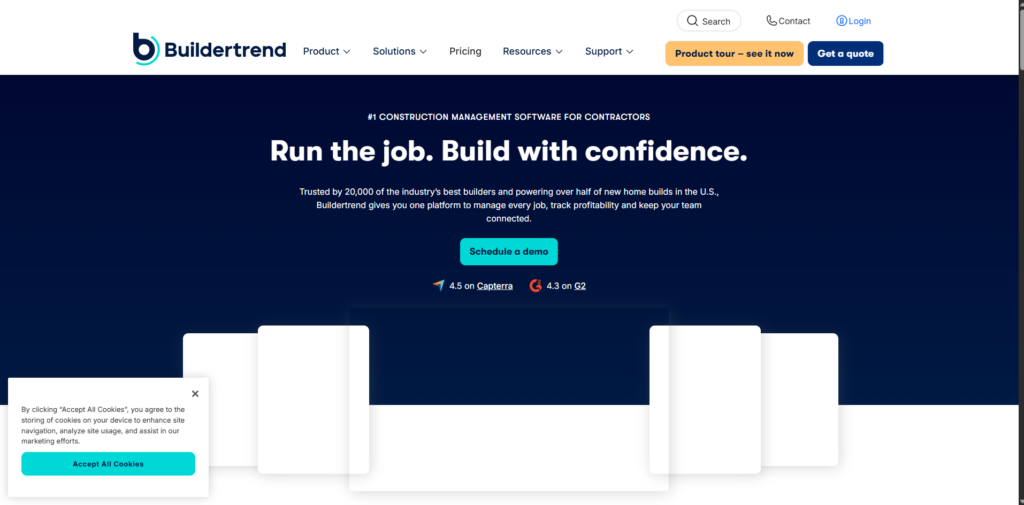
- Buildertrend is built primarily for residential construction. Home builders and remodelling contractors.
- Client communication tools are a particular strength. Homeowners can see project progress, approve selections and communicate with the team through the platform. For businesses where client experience is a key differentiator that capability matters.
- Scheduling and budget tracking cover the core requirements without the depth that larger commercial projects demand.
- Best suited for residential builders and renovation contractors where client communication is as important as internal project coordination.
PlanGrid
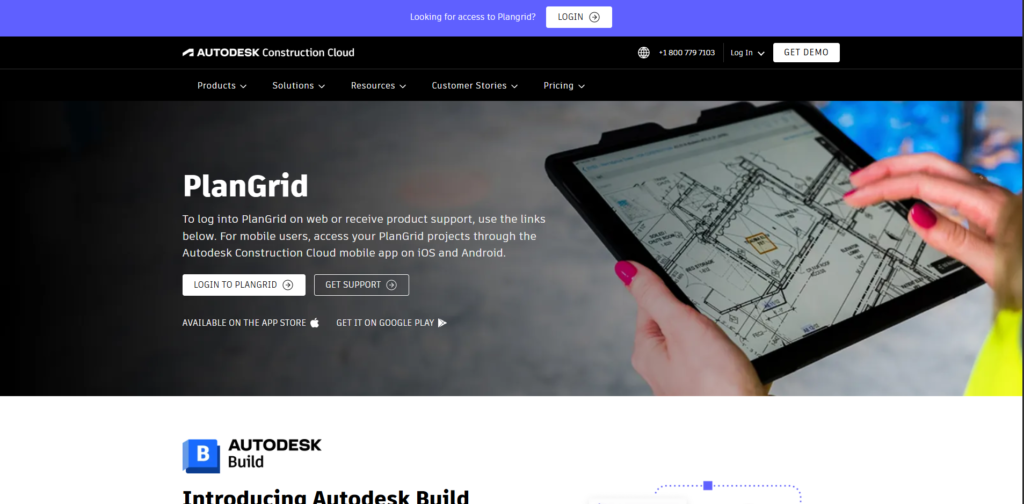
- PlanGrid focuses on the field side of construction. Document access. Drawing management. Issue tracking on site.
- Field teams get what they need on their phone or tablet without logging into a complicated system. Plans are current. Issues get logged where they happen. The gap between what is in the office and what is happening on site closes considerably.
- Less strong on the planning and scheduling side. Works well as part of a broader toolkit rather than as a standalone solution.
- Best suited for operations that need strong field documentation capability alongside other project management tools.
CoConstruct
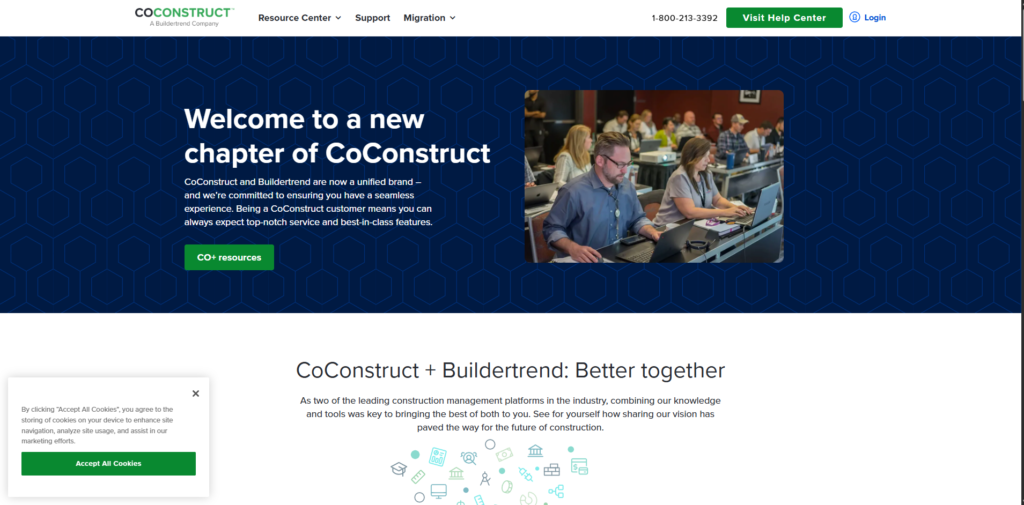
- CoConstruct sits in a similar space to Buildertrend. Custom home builders and remodellers.
- Estimating and budget management are particularly well developed. The connection between initial estimate and actual project cost is tighter than most platforms manage. For businesses where financial accuracy on individual builds is critical that matters.
- Client facing features are solid. The platform handles the communication and approval processes that custom home building requires without those getting lost in a generic project management interface.
- Best suited for custom home builders where detailed financial tracking and client communication sit at the center of how projects get managed.
EZYPMP
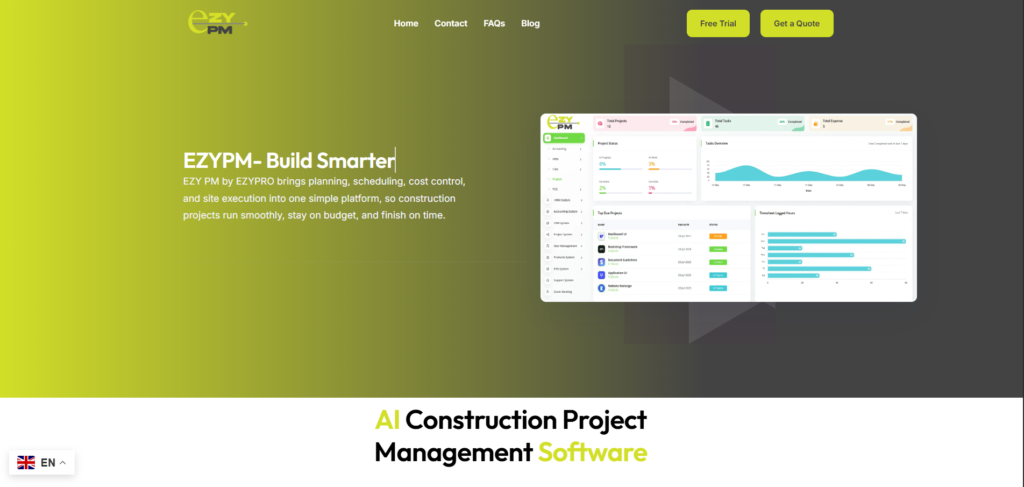
- Where the platforms above serve specific niches or enterprise scale operations EZYPMP sits in the space that many growing construction businesses actually occupy. Past the point where basic tools are enough. Not yet at the scale where enterprise complexity makes sense.
- Project scheduling built around real construction dependencies. Team coordination without the overhead of a platform that requires dedicated resources to run. Visibility across multiple projects without the learning curve that prevents teams from ever fully adopting what they are paying for.
- For construction businesses that are genuinely growing and need software that keeps pace with them rather than software they have to grow into, EZYPMP is worth serious consideration.
Choosing From the Top 5 Construction Project Management Software
- No platform on this list is the right answer for every construction business. Each one reflects a set of priorities and a type of operation it was built around.
- Top 5 construction project management software decisions made on feature lists alone tend to end in expensive switches six months later. The better approach is matching the platform to the specific challenges the business is actually dealing with right now.
- EzyPM is built for construction businesses that want practical project management without unnecessary complexity. Clear timelines. Coordinated teams. Projects that stay visible from start to finish without the whole operation depending on one person keeping track of everything manually.
Questions Worth Asking
How do we know which platform fits our operation?
- Run a real project through the trial. Actual work with real complexity tells you far more than any demo or feature comparison ever will.
Is enterprise software worth it for a smaller business?
- Rarely. Enterprise platforms are priced and built for large operations. Smaller businesses usually end up paying for capability they never use while dealing with complexity they did not expect.
What if we outgrow the platform we choose?
- Pick something with a clear growth path. A platform that works at your current size should handle the next stage without requiring a full switch. Ask about scalability before committing.